
Rent split with Arjun19 Oct
October rent paid in full. Arjun owes his half of the electricity bill, settle on the 5th.
by meaning#home/money
VB Notes keeps every note as a plain markdown file in a folder you choose, and finds them by what they mean. Free, with no account.
# Trip to Ladakh#travel #plans/2026 Leh for two days first, to get used to the height. Then Nubra over Khardung La, and back along Pangong. - [x] Inner line permits, online- [ ] Cash: ATMs are few after Leh- [ ] Diamox, sunscreen, a warm layer > Book the Pangong camp before July. Trip to Ladakh
Leh for two days first, to get used to the height. Then Nubra over Khardung La, and back along Pangong.
Book the Pangong camp before July.

Search by meaning finds the note you have in mind even when you can’t remember a word of it. The model runs on your phone, so your notes are never sent anywhere to be searched.
Exact words still work, and they come back at once.
Searching “what does my flatmate owe me” finds the note “Rent split with Arjun”.
October rent paid in full. Arjun owes his half of the electricity bill, settle on the 5th.
Not one word of the question is in the note. The model reads what both mean, on the phone itself. (A sample note.)
New in 0.4
Type two square brackets and the start of a title. VB Notes lists the notes that match; pick one and the link is written for you, closing brackets and all.
Tap a link to open its note. Link to one that doesn’t exist yet, and it’s there when you follow it.
In the file a link stays plain [[Packing list]], the way Obsidian and Bear write them.
New in 0.4.3
Chat with an AI about the note in front of you, or about all of them. For all notes, VB Notes finds the ones that fit each question and sends only those, and shows them under the answer.
It’s off until you turn it on, and it runs on your own account: OpenRouter, OpenAI, Anthropic, Google Gemini, Groq, Mistral, DeepSeek, xAI, or a model on your own computer through Ollama.
With OpenRouter, every answer shows what it cost, and Settings keeps a running total for the month.
Your API key stays on your device, never in your notes folder. In the desktop and phone apps.
A clean page that opens ready to type, the formatting keys right over the keyboard, and your library one swipe away.
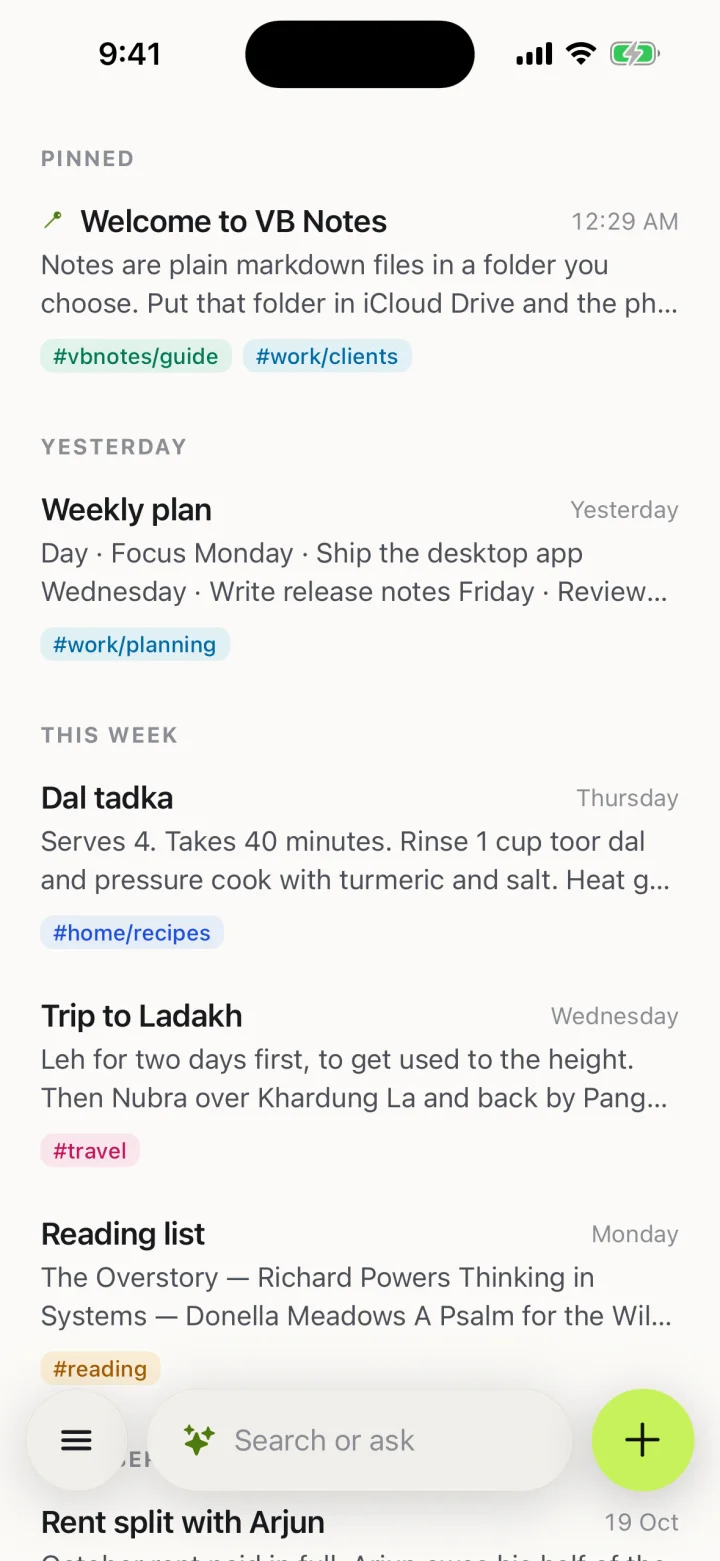 Your notes
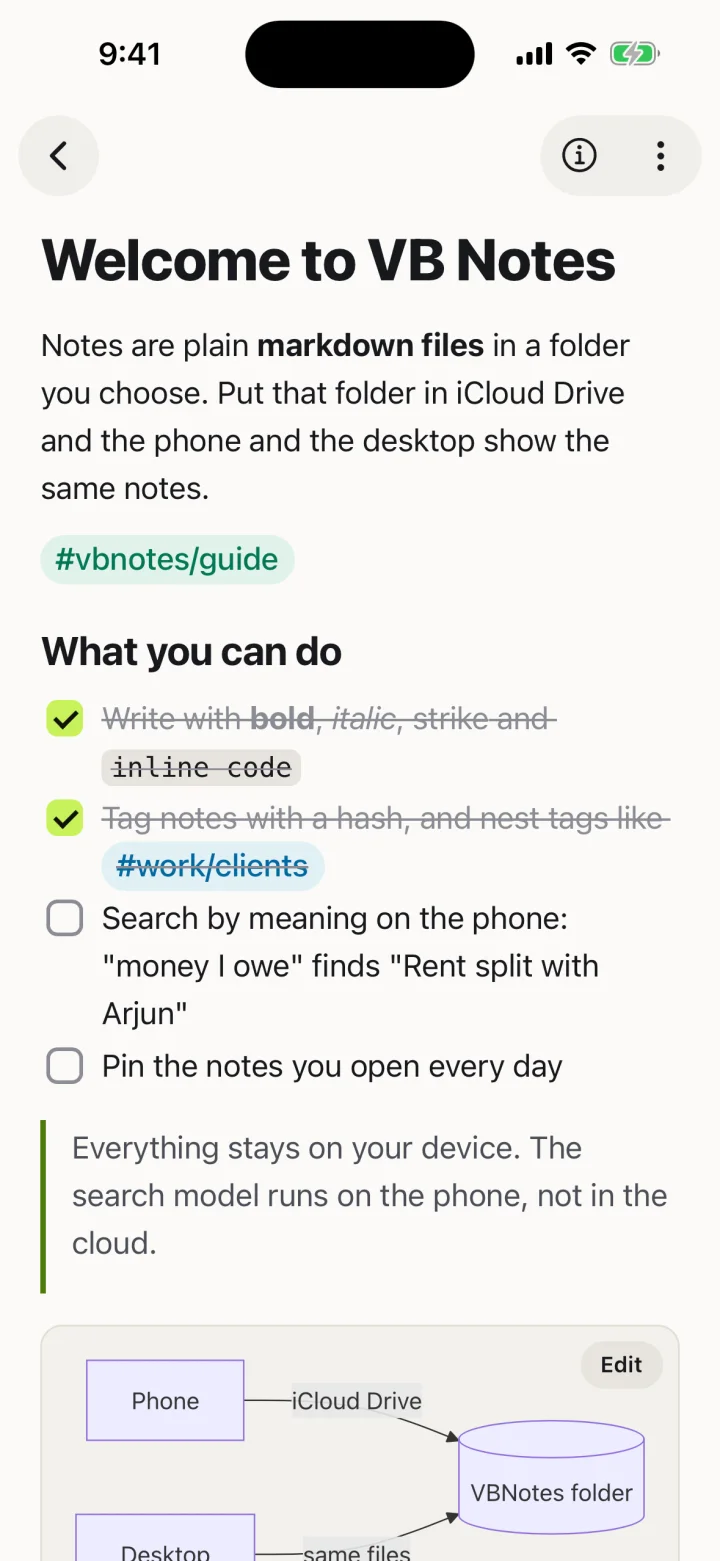 A note
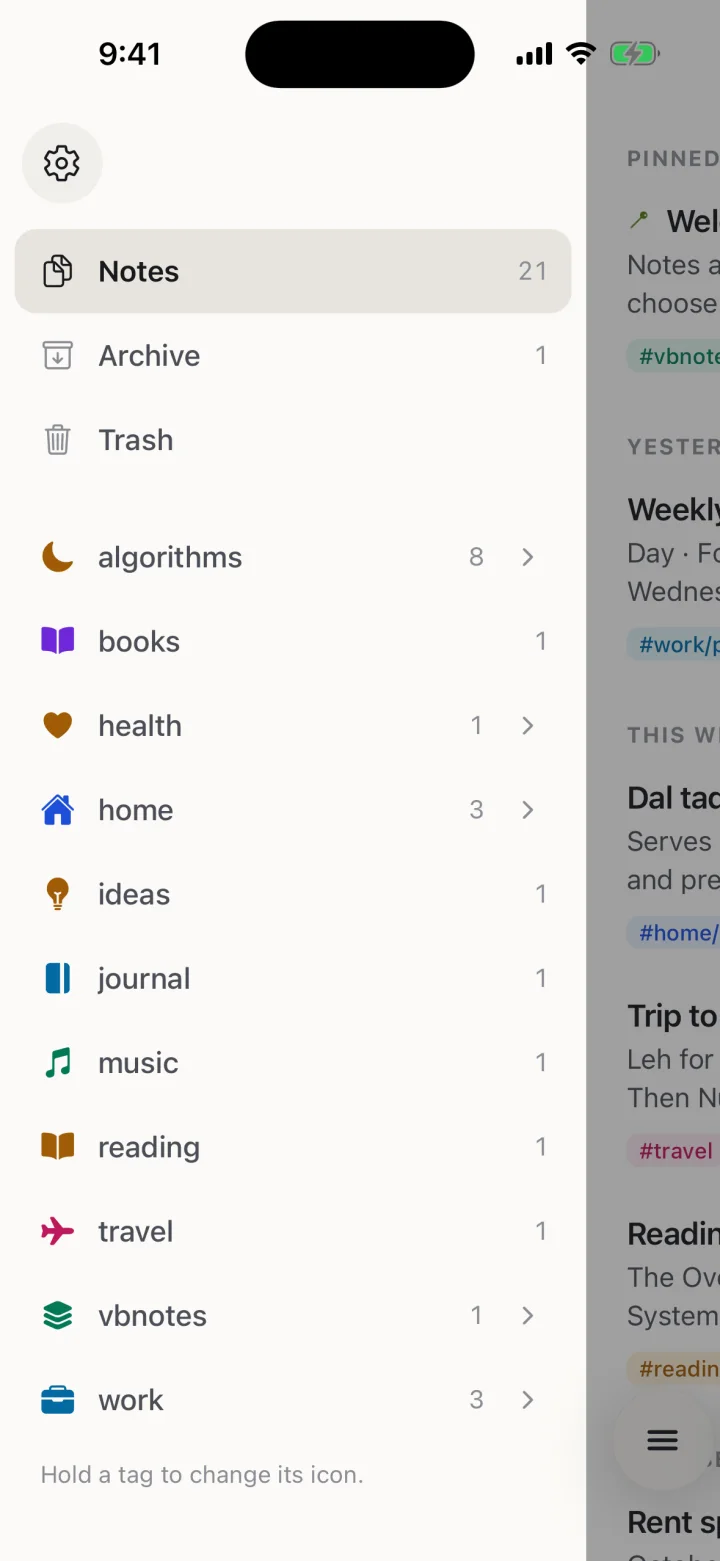 The library
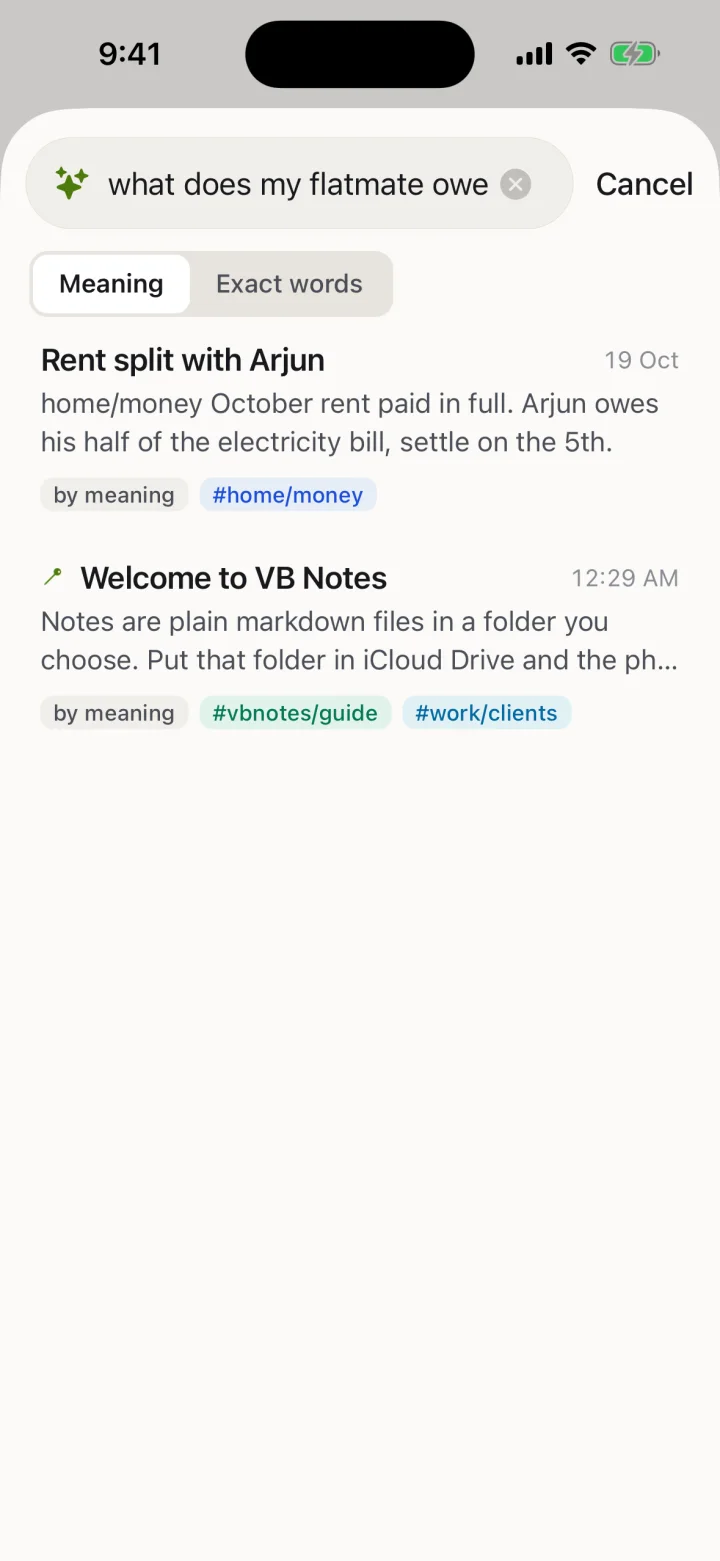 Search
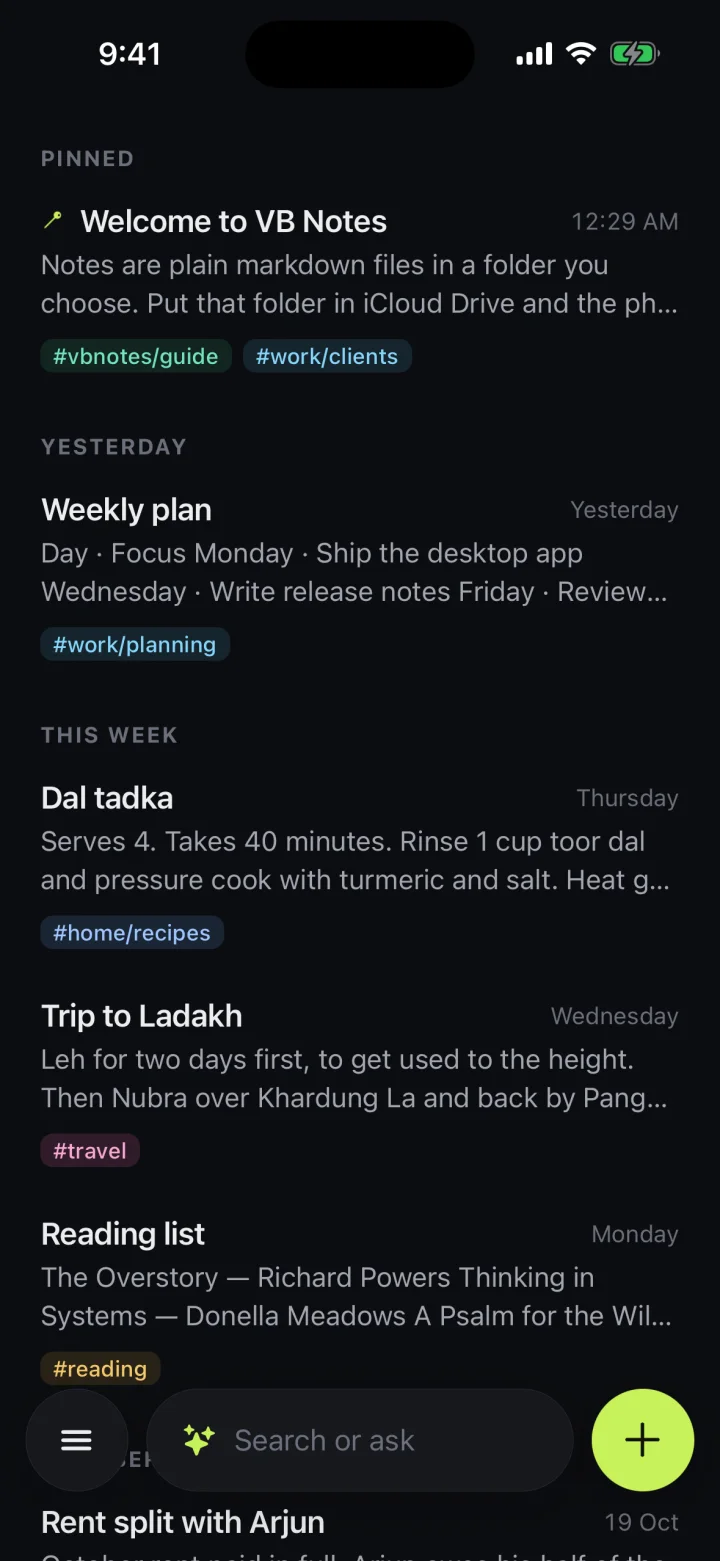 Ink, the dark theme
Keep your notes folder in iCloud Drive and the desktop app opens the very same files. Press ⌘O to jump to any note, or to start a new one titled with what you typed. The style bar under a note has Bear’s formatting buttons and shortcuts.
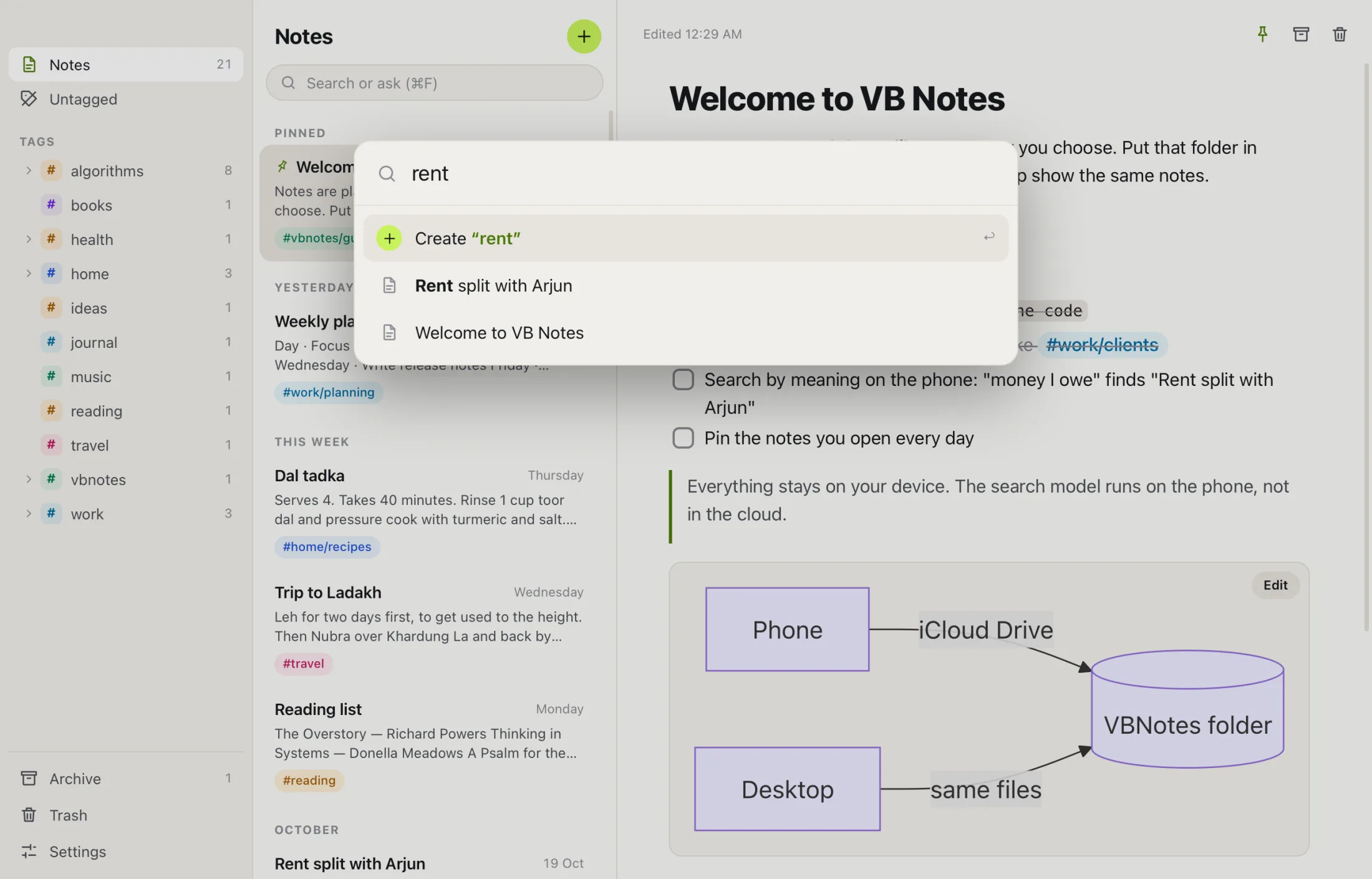
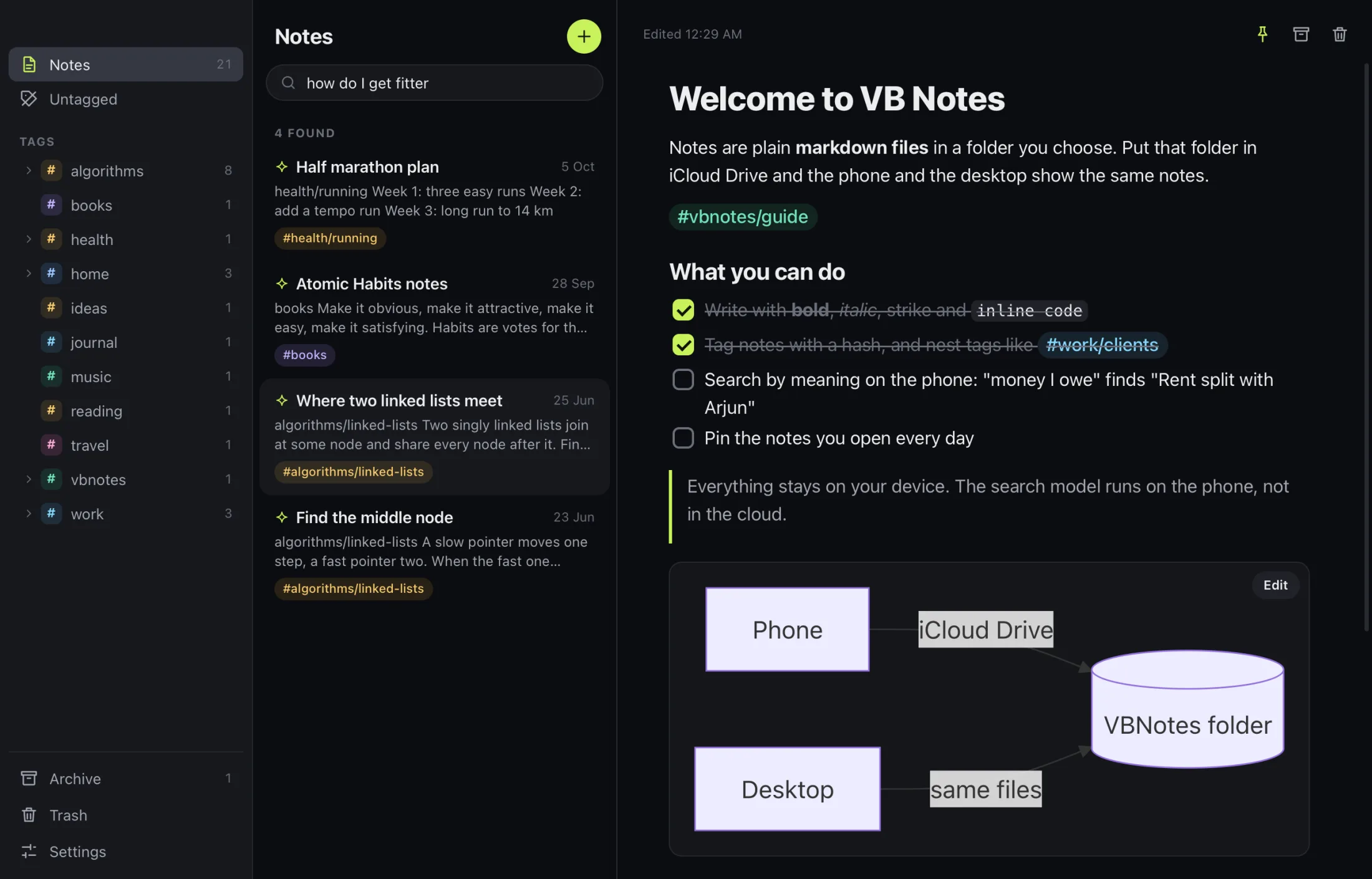
For macOS 13 or later, Windows and Linux.
[[ and pick oneYour notes are files on your phone, or in your own iCloud Drive. VB Notes has no server of its own to send them to.
Apple Silicon and Intel, macOS 13 or later. Signed and notarized.
Or with Homebrew: brew install --cask elavneet/vbnotes/vb-notes
Installer (.exe) or package (.msi).
AppImage, .deb or .rpm.
On the App Store, iOS 17 or later.

On Google Play, Android 8 or later. The APK is also on GitHub.

Every build is on the releases page, and the code is on GitHub.