
Best Markdown Editor for Windows: 9 Apps Checked in 2026
Disclosure: VB Notes is my app. I’ve tried to be fair, and I say where the others are the better choice.
The best markdown editor for Windows, for most people, is Typora if you’ll pay $14.99 once for the cleanest writing view, or Obsidian if you want it free and plan to keep hundreds of linked notes. MarkText is the best free WYSIWYG editor, now that it’s shipping releases after four quiet years. VS Code is the pick if you already write code, and Zettlr if you write papers with citations. Ghostwriter’s Windows build hasn’t changed since 2022, so I’d skip it.
Windows markdown editors compared
Choose on editing style. A WYSIWYG or live preview editor hides the ** and # as you type and shows bold text and headings. A split preview editor shows the raw markdown on one side and the result on the other. Download sizes are the Windows x64 files attached to each project’s GitHub release, in MiB (1 MiB is 1,048,576 bytes). Prices checked on 11 November 2026, in US dollars.
| App | Price | Licence | Editing style | Latest release | Windows download |
|---|---|---|---|---|---|
| Typora | $14.99 once, 15-day trial | Paid licence | Live preview | 1.14.15 (1.14 line from July 2026) | Not on GitHub |
| Markdown Monster | $99, free evaluation | Paid licence | Source with live preview | 4.7, 10 November 2026 | Not listed |
| Obsidian | Free, Sync from $4 a month billed yearly | Free for any use, not open source | Live Preview or source | 1.15.0, 2 November 2026 | 324 MiB .exe |
| MarkText | Free | MIT | WYSIWYG | 0.23.0, 21 October 2026 | 126 MiB .exe |
| VS Code | Free | Microsoft licence, source MIT | Source with side preview | 1.145, 4 November 2026 | Not on GitHub |
| Zettlr | Free | GPL v3 | From plain code to rich text, your choice | 4.9.0, 25 October 2026 | 158 MiB .exe |
| Ghostwriter | Free | GPL v3 | Source with HTML preview | 2.1.6 for Windows, September 2022 | 157 MiB portable .zip |
| Notepad (Windows 11) | Built in | Part of Windows | Formatted or syntax view, rolling out to Insiders | Insider fixes in July 2026 | Built in |
| VB Notes | Free | MIT | Formats as you type | 0.4.14, 10 November 2026 | 5.2 MiB .exe, 6.7 MiB .msi |
Typora: the cleanest writing view, for a one-time fee
Typora is what most people mean by a WYSIWYG markdown editor. Its site describes a “real live preview” with no separate preview window, and lists builds for Windows 64-bit, 32-bit and ARM, needing Windows 10 or 11 (typora.io). It costs $14.99 before tax after a 15-day trial, and one licence covers up to three devices.
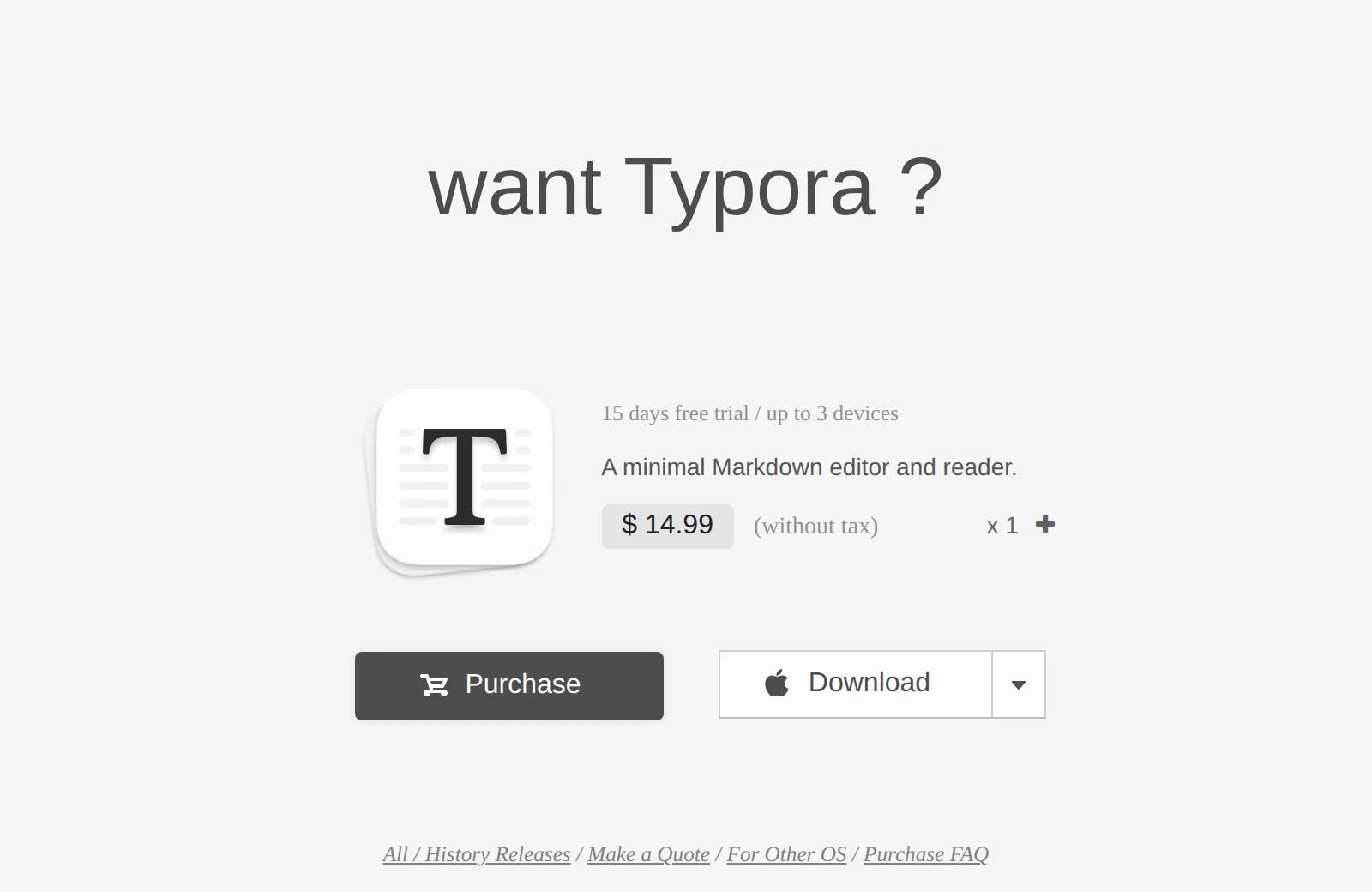 Typora’s purchase section on 11 November 2026, priced in US dollars. Source: typora.io
Older lists still call it free in beta. It isn’t, and it’s also not abandoned: version 1.14 came out on 19 July 2026 with a floating formatting toolbar you switch on under View, then Toolbar (Typora 1.14 notes). The current stable build is 1.14.15 (Typora releases).
Best for: writers who work on one document at a time and want the markdown to disappear. Its downloads are for macOS, Windows and Linux, so on a phone you’d open the same files in another app.
Obsidian: free, and built for many notes
Obsidian is free “without limits”, with no sign-up, and a commercial licence at $50 a user a year that you’re not required to buy (Obsidian pricing). Its licence says it’s free for personal, commercial and non-profit use, while Obsidian keeps the rights to the app’s code, so it’s free but not open source (licence).
The default editor is Live Preview, which “shows formatted text inline while hiding most Markdown syntax”, and Source mode shows every symbol when you want it (Obsidian help). The Windows download is a single “Universal” installer (download page), 324 MiB for version 1.15.0, released on 2 November 2026 (Obsidian releases).
Best for: anyone keeping a large collection of notes rather than one document at a time. The cost is time: I find it’s a kit you put together yourself rather than an app that’s done on day one.
MarkText: the free WYSIWYG editor is back
Plenty of roundups still call MarkText abandoned after March 2022. Version 0.17.1 came out on 7 March 2022, and the next stable release, 0.19.0, arrived on 28 May 2026 (MarkText releases). Since then 0.20.0 came on 2 October and five more followed that month, ending with 0.23.0 on 21 October. A 0.24.0 release candidate on 3 November adds multi-folder workspaces.
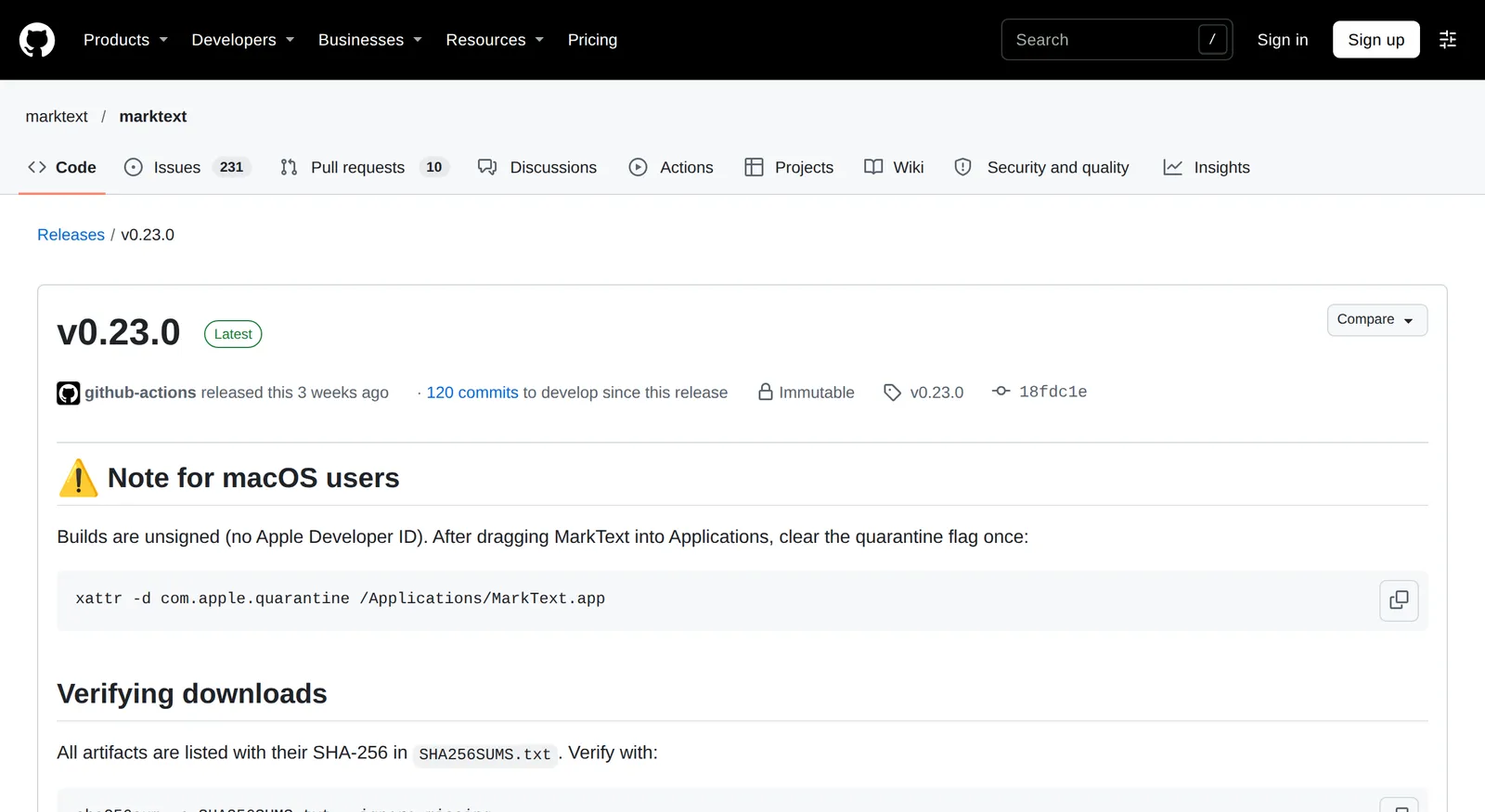 MarkText’s v0.23.0 release page on 11 November 2026. Source: github.com
It offers “Realtime preview (WYSIWYG)”, runs on Windows, macOS and Linux, and is MIT-licensed (MarkText on GitHub). The Windows x64 installer for 0.23.0 is 126 MiB.
Best for: people who want Typora’s way of writing without paying. Since it restarted only this year, I’d watch the release notes before trusting it with big documents.
VS Code: if you already live in it
VS Code edits the markdown source and shows the result in a preview: Ctrl+Shift+V switches to the preview, and Ctrl+K V opens it beside the file so changes show as you type (VS Code docs). The same page describes an experimental Markdown Editor that lets you edit the rendered text directly, opened with Reopen Editor With, and warns it “might change or be removed”.
VS Code itself ships under Microsoft’s licence terms, and its source is on GitHub under MIT (licence). Version 1.145 came out on 4 November 2026 (VS Code updates).
Best for: developers writing READMEs and docs next to their code. For everyday notes it’s a lot of editor.
Zettlr: for papers, citations and exports
Zettlr lets “you decide how much WYSIWYG you see”, from bare code to rich text, and it’s free and open source, supported by donations (zettlr.com). Its GitHub page lists the GPL v3 licence, Windows x64 builds, integration with reference managers such as Zotero, and exports through Pandoc and LaTeX (Zettlr on GitHub). Version 4.9.0 came out on 25 October 2026, with a 158 MiB Windows x64 installer (Zettlr releases).
Best for: students and academics who need citations and Word or PDF output.
Notepad on Windows 11: Markdown without installing anything
Notepad is learning to read Markdown, through the Windows Insider program. Microsoft started rolling out “lightweight formatting” to Insiders in May 2025, with support for “Markdown style input and files”, a switch between formatted and syntax views in the View menu or the status bar, and a setting to turn formatting off (Windows Insider blog). January 2026 added strikethrough and nested lists for the Canary and Dev Channels (Insider blog). A July 2026 version, rolling out to channels including Beta and Release Preview, made formatting apply properly to both .md and .markdown files (Notepad release notes). Microsoft announces all of this for Insiders, so if you’re not in the program, your Notepad may not have it yet.
Best for: opening a README or jotting a quick list. It’s a text editor with formatting, not a writing app.
Markdown Monster: a paid split-view editor made for Windows
Markdown Monster calls itself “The Markdown Editor for Windows”: syntax-coloured markdown with a live, synced HTML preview beside it, and shortcuts to open Explorer or a terminal (markdownmonster.west-wind.com). Version 4.7 is dated 10 November 2026. The evaluation is fully functional with occasional notices, but continued use needs a licence, $99 for a single user (purchase page).
Best for: people who write markdown all day on Windows and want a split view. That price buys six Typora licences.
Ghostwriter: check the date before you download
Ghostwriter has a live HTML preview and a Hemingway mode that disables Backspace and Delete, under GPL v3 (ghostwriter.kde.org). Its download page offers Windows 10 “only as portable 64 bit” (download), and that link leads to version 2.1.6, published in September 2022. On Windows it’s a 2022 app.
VB Notes: formatted as you type, the same notes on your iPhone
I built VB Notes for notes rather than documents. The editor shows formatting as you write, the way Bear’s does, and the file stays plain markdown (writing guide). Each note is a .md file in a folder you choose, so Typora, Obsidian or VS Code can open the same files. The Windows installer is 5.2 MiB as an .exe, or 6.7 MiB as an .msi (releases).
It earns its place if you want the notes on a phone without paying for sync. Obsidian has phone apps too, but its help calls its paid Sync the most straightforward method (Obsidian help).
With VB Notes, put the folder in iCloud Drive through iCloud for Windows, whose latest version needs Windows 11 (Apple support), and pick it in the free iPhone app. On Android, a sync app such as Syncthing does the same job (Android guide). No account either way.
What it lacks: no plugins, no graph view, no backlinks panel, no export to Word or PDF, and no web app. Windows may warn that the installer comes from an unknown publisher. The same Obsidian page warns that iCloud Drive on Windows “may lead to file duplication or corruption”, which applies to any app keeping files there, mine included; my Bear alternatives for Windows post covers how to set that folder up safely.
FAQ
What is the best free markdown editor for Windows?
Obsidian for notes and MarkText for single documents. Both are free; MarkText is MIT-licensed and edits WYSIWYG, while Obsidian uses Live Preview and is free for any use but not open source.
What is the best markdown editor for Windows 11?
Typora if you’ll pay $14.99 once, Obsidian if you want it free. Notepad’s Markdown formatting, rolling out through the Windows Insider program, is enough for reading a README once your PC has it.
What is the best WYSIWYG markdown editor for Windows?
Typora, with MarkText as the free alternative now that it’s releasing again. Obsidian’s Live Preview and Zettlr’s adjustable view come close, and still let you see the raw markdown when you want to.
What is the best open source markdown editor for Windows?
MarkText (MIT) for WYSIWYG writing, Zettlr (GPL v3) for academic work, and VS Code’s MIT-licensed source if you write code. Ghostwriter is open source too, but its Windows build dates from 2022.
Does Notepad support Markdown in Windows 11?
It’s coming. Microsoft has been rolling Markdown formatting out to Notepad for Windows Insiders since May 2025, with a switch between formatted and plain syntax views in the View menu or the status bar. If your Notepad has no such switch, it doesn’t have the update yet.
If one long document is what you write, buy Typora or try MarkText. If you keep many notes on Windows alone, Obsidian is the safer bet. If you want the same notes on your iPhone without a sync subscription, try VB Notes on a copy of a few notes first.