
Free Notes App Without Login: 7 That Need No Account
Disclosure: VB Notes is my app. I’ve tried to be fair, and I say where the others are the better choice.
For a free notes app without login, install Obsidian on a computer or phone, Joplin if you like notebooks, Markor on Android, or Apple Notes with its On My iPhone account. None asks for an email before you write. Notesnook and Standard Notes also let you skip the account, with limits. What you give up without an account is the company’s sync, so the real question is how your notes reach a second device and a backup. If the notes are files in a folder, a sync app such as Syncthing can move them with no sign-up either.
Free notes apps that need no account
The third column is what you lose by skipping the account.
| App | Platforms | Without an account | Where notes live |
|---|---|---|---|
| Obsidian | Windows, Mac, Linux, iPhone, Android | Everything; Sync is a paid extra | Markdown files in a folder |
| Joplin | Windows, Mac, Linux, iPhone, Android | Everything; sync is optional | A database on the device |
| Markor | Android | Everything | Text files in a folder |
| Apple Notes, On My iPhone | iPhone | No iCloud sync for those notes | On the iPhone |
| Notesnook | Windows, Mac, Linux, Android, iPhone, web | No attachments, no sync | On the device |
| Standard Notes | Desktop, phone, web | No sync | On the device |
| VB Notes | iPhone, Android, Mac, Windows, Linux | Nothing (no account exists) | Markdown files in a folder |
Obsidian
Obsidian’s pricing page says it plainly: “Free without limits. No sign-up required.” You only make an account if you buy something, such as Sync at $4 a month billed annually, or Publish.
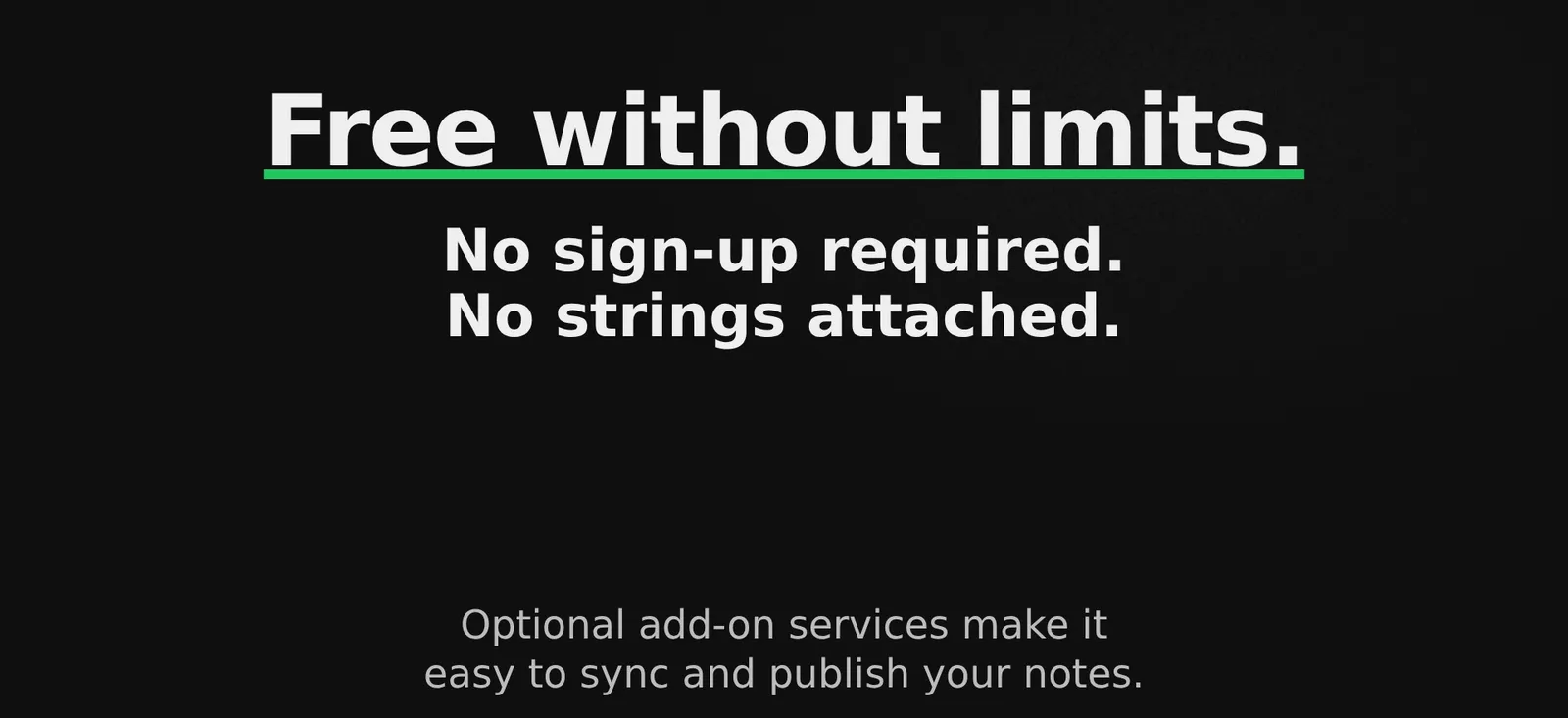 Obsidian’s pricing page on 10 November 2026. Source: obsidian.md
Notes are “Markdown-formatted plain text files in a vault”, and a vault is a folder on your own disk (Obsidian help). It’s on Windows, Mac, Linux, iPhone and Android (downloads). If you want one app on every device and don’t mind setting it up, start here.
Joplin
Joplin keeps all your data on your device and runs on Windows, Mac, Linux, Android and iPhone, with a web clipper for Firefox and Chrome (Joplin help). Sync is something you set up later, if at all, and it can point at storage you already have, such as Nextcloud, WebDAV, Dropbox or OneDrive, as well as Joplin Cloud (Joplin sync).
For privacy, its end-to-end encryption covers notes, notebooks, tags and attachments, but you switch it on yourself, on one device first (Joplin encryption).
Markor
Markor is an Android editor that saves files “in a user selectable folder” and says “No personal data is shared with the author or any third parties” (Markor on GitHub). It’s Apache 2.0 licensed and comes from F-Droid. It feels like a text editor, not a notebook, which suits quick lists.
Apple Notes with On My iPhone
Apple Notes normally saves to iCloud, but Apple’s guide describes an On My iPhone account “for notes you keep only on this device” (Apple’s iPhone guide). Turn it on in Settings, then Apps, then Notes, with “On My iPhone” Account.
Apple says every Notes feature in its guide works with this account. What those notes don’t do is reach your other devices.
Notesnook: an account is optional, attachments aren’t
Notesnook’s onboarding has a button for this. Since mobile v3.4.9, released on 10 August 2026, the Skip button reads Use offline, and a dialog explains the trade-offs (Notesnook blog).
Signed out, “notes, notebooks, tags, colors, the editor and search all work fully offline with no account at all”. Attachments are the exception: images, files, audio and web clips are stored on Notesnook’s servers, so they need you signed in (Notesnook help).
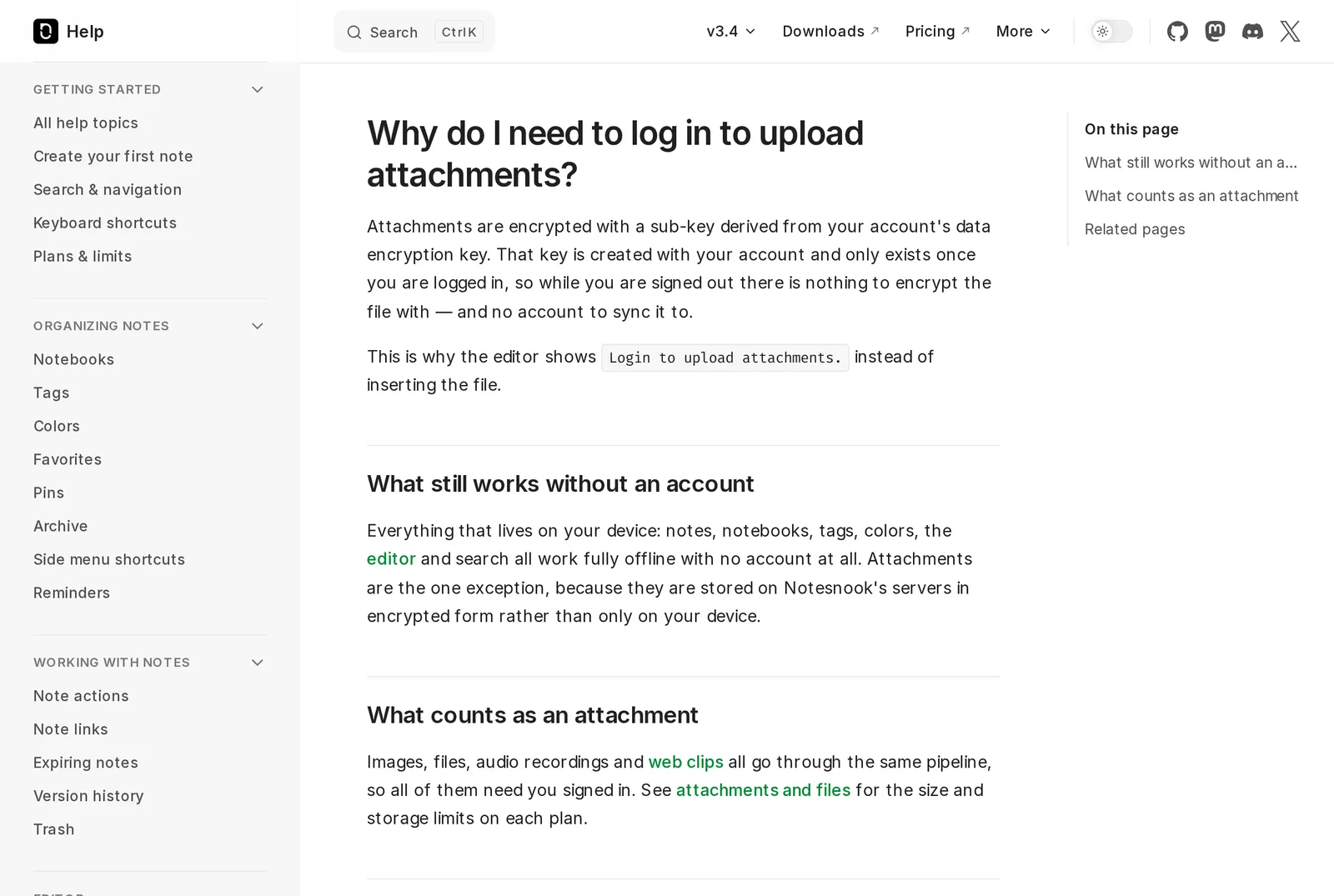 Notesnook’s help page on 10 November 2026. Source: notesnook.com
If you later make an account, notes are “Encrypted before they leave your device”, and the app can open with its own fingerprint, PIN or password (notesnook.com). The free plan has unlimited notes and devices, with 50 notebooks and 50 tags, and apps for Windows, Mac, Linux, Android, iPhone and the web (Notesnook pricing). It’s the best path if you want to start with no account and add one later.
Standard Notes
Standard Notes works with no account, keeping notes on the device without syncing them (Standard Notes help). With no account there’s no password to encrypt with, so set an Application Passcode from the Security menu to get the same encryption an account gives. If you sign up later, the free plan syncs plain text notes across web, desktop and mobile (plans).
VB Notes: no account to skip
VB Notes has no accounts at all. The first time it opens you choose a folder, and each note is a plain .md file in it (notes folder guide). It’s free on iPhone, Android, Mac, Windows and Linux, with no ads.
What that gets you is sync without a notes account: put the folder in iCloud Drive on iPhone and Mac, or let a sync app such as Syncthing or FolderSync carry it between Android and a computer (Android sync guide). Search by meaning runs on the device too, so nothing is sent to a server to find a note.
What it lacks: no web app, no sharing, no encryption of its own, and on iPhone it can’t keep notes in Google Drive or Dropbox folders.
Apps that won’t let you skip the login
Some well-known apps can’t be used at all without an account. Simplenote’s help is direct: “there is not a way to use Simplenote without creating an account”, and signing up “always requires email verification” (Simplenote help).
That isn’t a flaw if you want their sync and sharing.
Web notepads without login: where the notes really are
A browser notepad with no sign-up is quick, but its notes live in the browser’s storage for that site. MDN’s documentation on browser storage says such data, by default, lasts only while “the user doesn’t choose to delete the data via their browser’s settings” and the device has space (MDN).
It also notes that Safari, with cross-site tracking prevention on, deletes a site’s script-written data if you haven’t interacted with it “in the last seven days of browser use”. Clear your history, or skip the site for a week in Safari, and the notes can go. Use these for scratch text, and export anything you mean to keep.
Sync and backup without making an account
Skipping the login doesn’t mean one device forever. If your notes are files in a folder, as with Obsidian, Markor and VB Notes, you can move that folder yourself.
Syncthing copies a folder straight between your devices. It says “There is no central server that might be compromised”, and each device is identified by its own cryptographic certificate rather than by a login with a company. It’s how I’d connect an Android phone and a PC.
For a backup, copy the folder somewhere else on a schedule, as you would photos. Joplin is different: all notes, notebooks and tags live in one database.sqlite file (Joplin profile docs), so use its export for a copy other apps can read.
One more check before you install a small app from the store: Apple’s privacy labels are filled in by the developer, who is “responsible for keeping your responses accurate and up to date” (Apple developer guidance). A “no account” app from an established project with public code is a safer bet than a new one with a nice label.
FAQ
What is the best free notes app without sign up?
Obsidian for most people, since it’s free, needs no sign-up and runs on every major platform. On Android, Markor is lighter, and if you want notebooks, Joplin.
What is the best private notes app?
One that keeps notes on your device and needs no account, such as Obsidian, Markor or VB Notes, or Standard Notes with a passcode if you want the local data encrypted. If you need sync too, Notesnook encrypts notes before they leave the device, and Joplin can once you switch on its encryption.
Can I sync notes without an account?
Yes, if the notes are files in a folder. Syncthing copies a folder straight between your devices with no central server, and apps like Obsidian and VB Notes read the synced folder.
Do online notepads without login save my notes?
Only in your browser. Clearing site data deletes them, and Safari with cross-site tracking prevention on can remove them after seven days of browser use without a visit, so export anything you want to keep.
If you already have notes in an account-based app and you’re happy with it, there’s no need to move. If you want to write today without an email, pick one of the folder-based apps, and if you’ll often be offline as well, see how the same apps hold up in the best offline notes app comparison.