
Open Source Bear Notes Alternative: 5 Apps Compared
Disclosure: VB Notes is my app. I’ve tried to be fair, and I say where the others are the better choice.
Bear isn’t open source, and no open source Bear notes alternative copies all of it. The closest across platforms is VB Notes, which I built: MIT licence, formatting as you type, #a/b tags and plain .md files on iPhone, Mac, Windows, Linux and Android, for free. It’s young and made by one person. If you only use Apple devices and want a long track record, FSNotes is the established pick, for a one-off price. Notesnook or Standard Notes suit you better if encryption comes first, and Joplin has the biggest community.
Is Bear open source?
No. Bear’s site sells a Pro subscription at $2.99 a month or $29.99 a year for its Mac, iPhone and iPad apps, and offers no source code or licence. Notes sit in a SQLite database that you can’t reach on iOS.
One source of confusion: in September 2025 a different Bear, the blogging platform, moved from the MIT licence to a source-available one. At least one aggregator headline called it the “Bear note-taking app”.
Obsidian often tops these lists, and it doesn’t belong on them: its releases repository says it isn’t open source software and holds no source code. Its notes are still plain text files, which is why it gets recommended anyway.
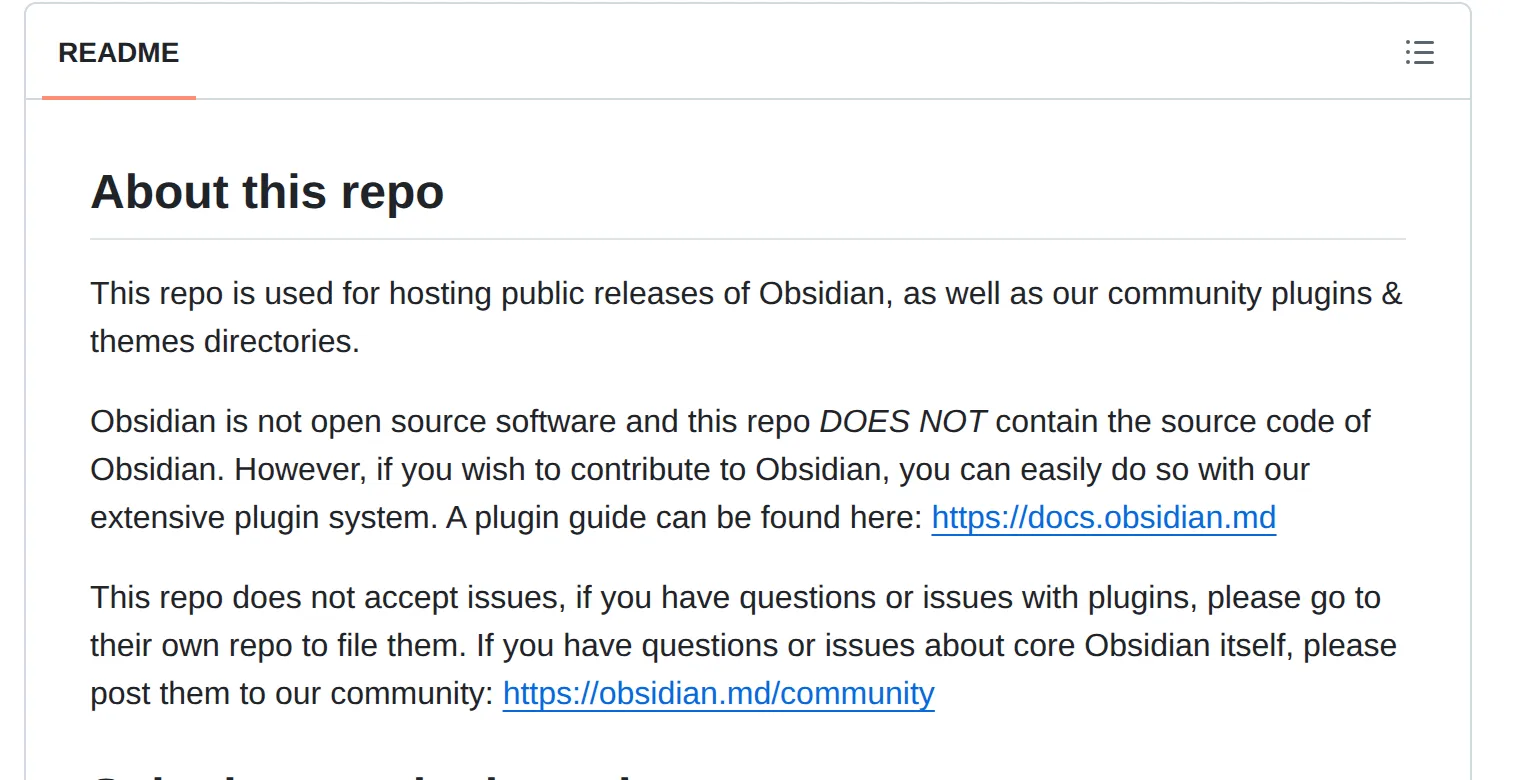 The README of Obsidian’s releases repository on 3 November 2026. Source: github.com
Open source Bear alternatives compared
What makes Bear feel like Bear is an iPhone app, nested tags like #recipes/italian, formatting as you type and files you can open elsewhere, so those are the columns. All five apps below have an iPhone app. Prices were checked on 3 November 2026 and are US prices unless marked.
| App | Licence | Also runs on | Formatting | Nested tags | Plain files | Cost |
|---|---|---|---|---|---|---|
| VB Notes | MIT | Mac, Windows, Linux, Android | Shows as you type | Yes, #a/b |
Yes | Free |
| FSNotes | MIT | iPad, Mac | Highlighted Markdown, with a preview | Yes, #a/b |
Yes | $4.99 iPhone, $8.99 Mac |
| Notesnook | GPL-3.0 | iPad, web, desktop, Android | Rich text, Markdown shortcuts on Essential | Nested notebooks instead | No, exports to Markdown | Free plan, Essential $19.99 a year |
| Standard Notes | AGPL-3.0 | iPad, web, Mac, Windows, Linux, Android | Paid Super notes | Paid | No, exports a zip of plain text files | Free plan, $90 or $120 a year |
| Joplin | AGPL-3.0-or-later | iPad, Windows, Mac, Linux, Android | Markdown, or a Rich Text editor | No | No, SQLite | Free app, cloud sync optional |
VB Notes: a Bear-style editor beyond Apple
It’s the only open source app here with formatting as you type, #a/b tags and plain files on both iPhone and Windows. The code for the phone and desktop apps is on GitHub under the MIT licence. Your #work/clients tags stay nested and can have colours and icons. Links are written [[Note title]], the way Bear writes them.
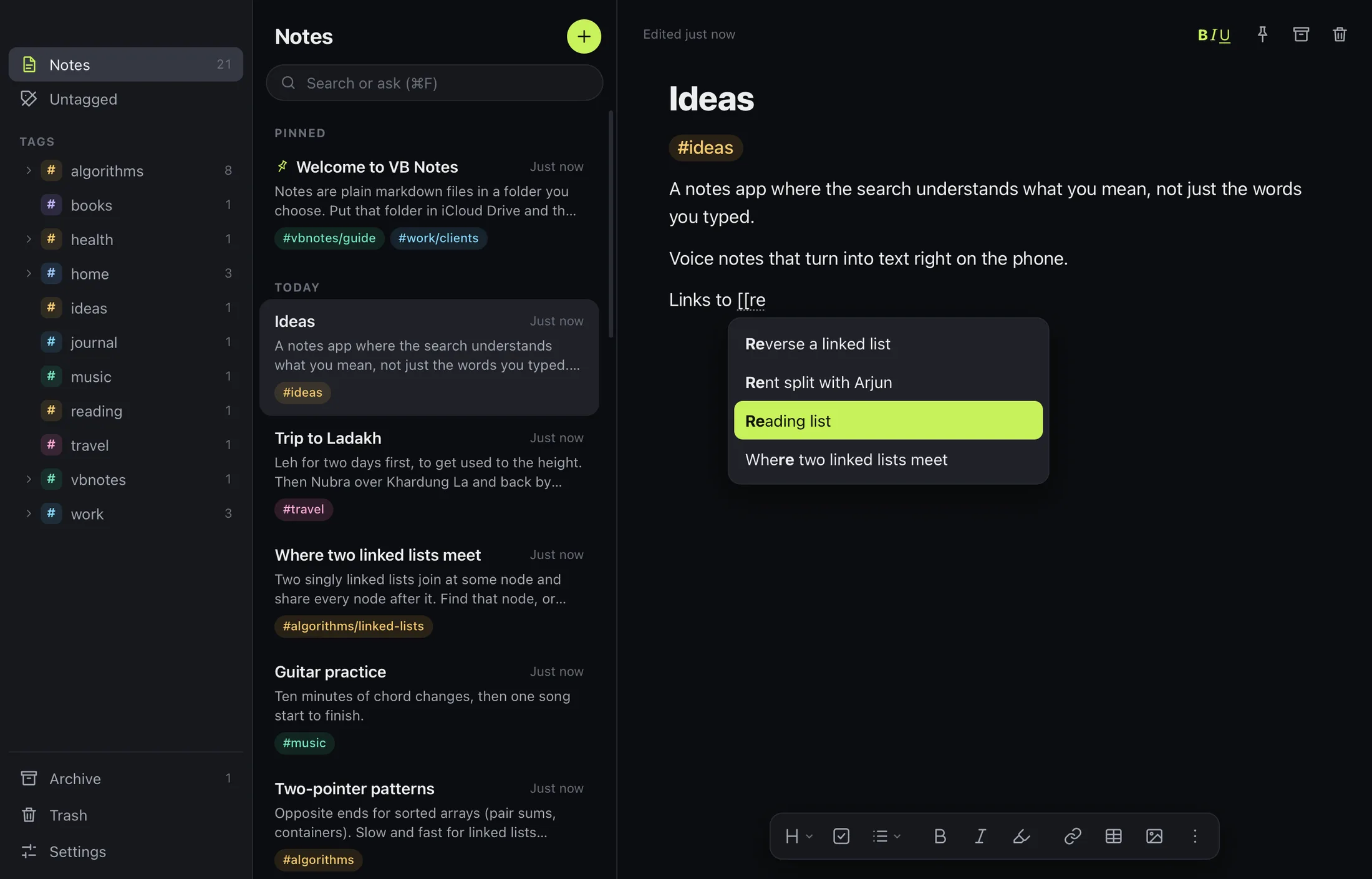 VB Notes on the desktop, with tags in the sidebar and the style bar under the note. Source: VB Notes docs
The part Bear can’t offer is the storage. Every note is a plain .md file in a folder you choose, with no database and no account. Keep that folder in iCloud Drive and the iPhone app and Mac app read the same files. The Android build comes from GitHub for now because the app isn’t on Google Play, and a sync app keeps its folder in step with your computer. The catch is the iPhone: Google Drive, Dropbox and OpenCloud folders can’t be picked there, so check your route between iPhone and Windows before you move.
Open code only protects you if your notes can leave. If VB Notes stops being developed, you still have a folder of .md files that any editor opens, and the code is there for anyone to carry on.
Leaving Bear takes one export. Select all your notes and export as Markdown, which is free in Bear on Mac and iPhone. On a Mac, switch on “Keep tags during export” under Bear > Preferences > General first. Then drag the folder onto the desktop app, or copy it into iCloud Drive and pick it on iPhone under Settings › Notes folder › Location. Your tags are text in the file, so they carry over as tags.
It’s a young project, and you should weigh that. Version 0.4.7 came out on 2 November, it’s built by one person, and the repository has a handful of stars next to FSNotes’ 7,600. It has no iPad version, no web app, no sharing, no backlinks panel and no encryption of its own, so your files are as safe as the folder they live in.
FSNotes: the established iPhone and Mac pick
FSNotes is the closest thing to a Bear replacement with a long history, at 7,600 stars and more than 2,900 commits. Its site promises plain Markdown files in folders, no account and no subscription, with [[wiki links]] and AES-256 encryption for individual notes or folders. Bear keeps note encryption behind Pro.
The code is free on GitHub, but the convenient builds aren’t. The iPhone app costs $4.99 and the Mac app $8.99, once each.
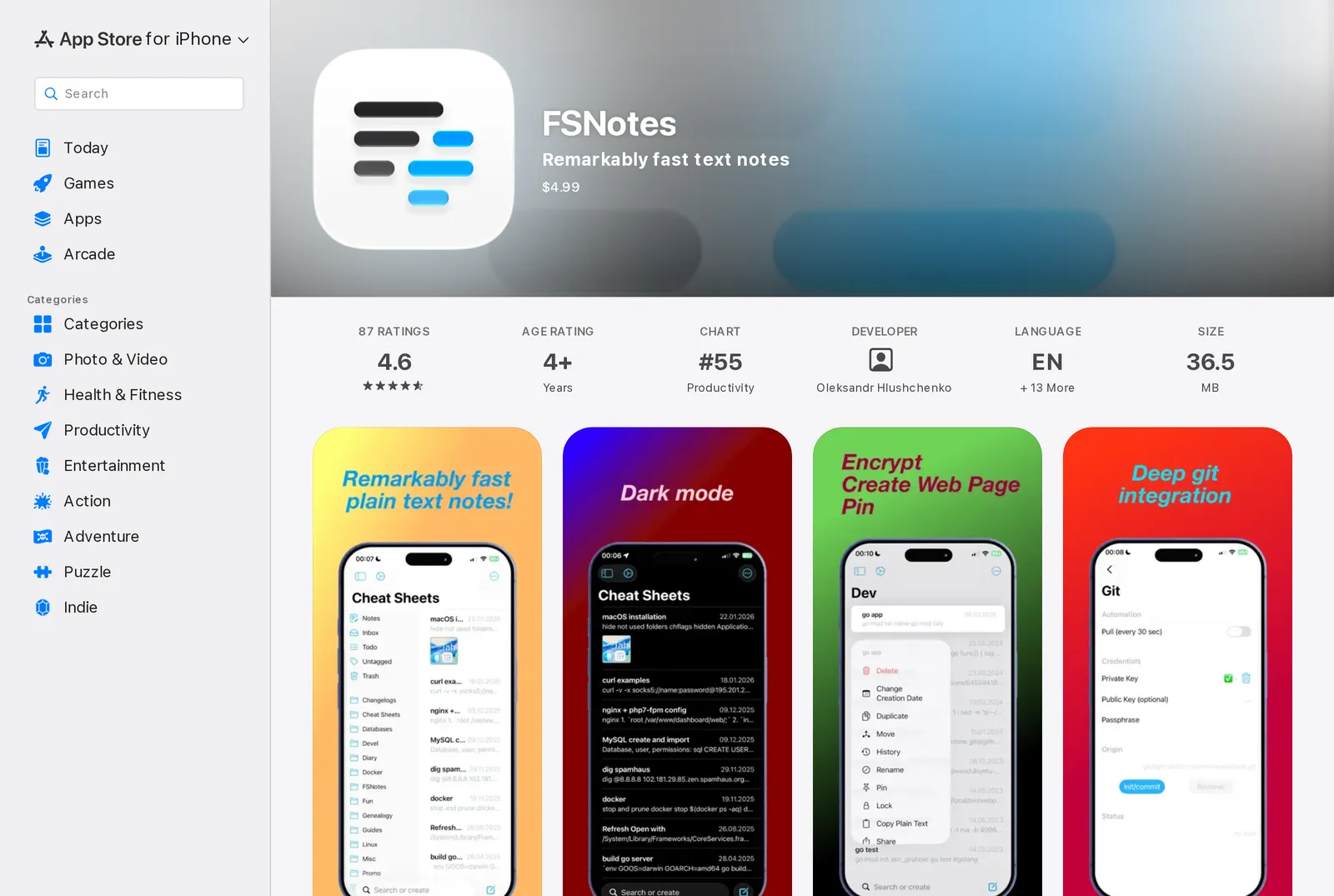 FSNotes on the US App Store on 3 November 2026, showing the US price. Source: apps.apple.com
Its issue tracker shows nested tags working with the same slash since 2020, though its feature list doesn’t mention them, so try that first if tags are why you use Bear. The trade-offs: it’s Apple only, iPhone sync is iCloud Drive only, and it talks about syntax highlighting and previews rather than Bear-style inline formatting. If you like seeing the Markdown, that’s a plus.
Notesnook: if privacy is why you’re leaving
Notesnook is GPL-3.0, runs on web, desktop, Android and iOS, and encrypts everything on your device. Its editor converts as you go too: type # or ** and it formats on the spot. Those shortcuts need the paid Essential plan, though, and there’s no raw Markdown mode.
Its organisation differs too. The App Store listing offers nested notebooks and tags, with no sign of #a/b tags. The free plan stops at 50 notebooks and 50 tags. You can export everything to Markdown as a zip, which is the exit if you ever need it.
Standard Notes: open code, paid Bear features
Standard Notes is AGPL-3.0 with end-to-end encryption, but its free plan is plain text and tags. Markdown and rich text arrive with the Super note type on Productivity, $90 a year, and Professional is $120.
Self-hosting doesn’t get around that. The self-hosting guide says its server subscription doesn’t include Super notes or nested tags, the two things a Bear user wants most. It’s the open source option I’d pick for encryption and the last I’d pick for Bear’s feel.
Joplin: the biggest community, no nested tags
Joplin has 57,000 stars and runs on Windows, Linux, macOS, Android and iOS. Its iPhone app is free. Sync goes through Nextcloud, Dropbox, OneDrive or Joplin Cloud, which starts at 2.99€ a month or 28.69€ a year.
Notes live in a SQLite database, as Bear’s do, not in files you can open directly. Nested tags appeared in a 2020 pre-release and were removed over a performance issue. Users were still asking for them in 2023.
Open source apps that miss on iPhone
Three more come up on these lists, and each misses something a Bear user would notice:
- Zettlr (GPL-3.0) is a desktop writing app for macOS, Windows and Linux, and its README lists no mobile app.
- QOwnNotes (GPL-2.0) has plain Markdown files and hierarchical tags on the desktop, with tags kept in a SQLite file in the note folder, and it names only third-party options for iOS.
- Logseq (AGPL-3.0) has an iPhone app last updated in April 2024 for its file-based version. The README calls the new mobile app for the database version alpha, and warns that data loss is possible.
FAQ
Is Bear notes open source?
No. Bear’s site offers no source code or licence, and it’s sold with a paid Pro tier. The “Bear” that changed licence in 2025 is an unrelated blogging platform.
What is the best open source markdown notes app for iPhone?
FSNotes if you want a mature app and don’t mind paying $4.99. VB Notes if you want it free, with formatting shown as you type and a desktop app for Windows and Linux too.
Is there an open source Bear alternative for Windows?
Bear has no Windows app, though Bear Web was announced as a browser beta in 2025. VB Notes, Joplin, Notesnook, Standard Notes, Zettlr and QOwnNotes all run on Windows, and of those, only VB Notes keeps nested tags in plain files.
Is Obsidian an open source Bear alternative?
No. Obsidian’s own repository says it isn’t open source software. It’s free to use and stores plain Markdown files, so it may still suit you if open files matter more than open code.
When to stay with Bear
If Bear does everything you want and the licence is all that bothers you, stay for now: Markdown export is free, so you can leave whenever that changes. If you need an iPad app or a backlinks panel, VB Notes isn’t for you. FSNotes, Notesnook, Standard Notes and Joplin all run on iPad.